Introduction#

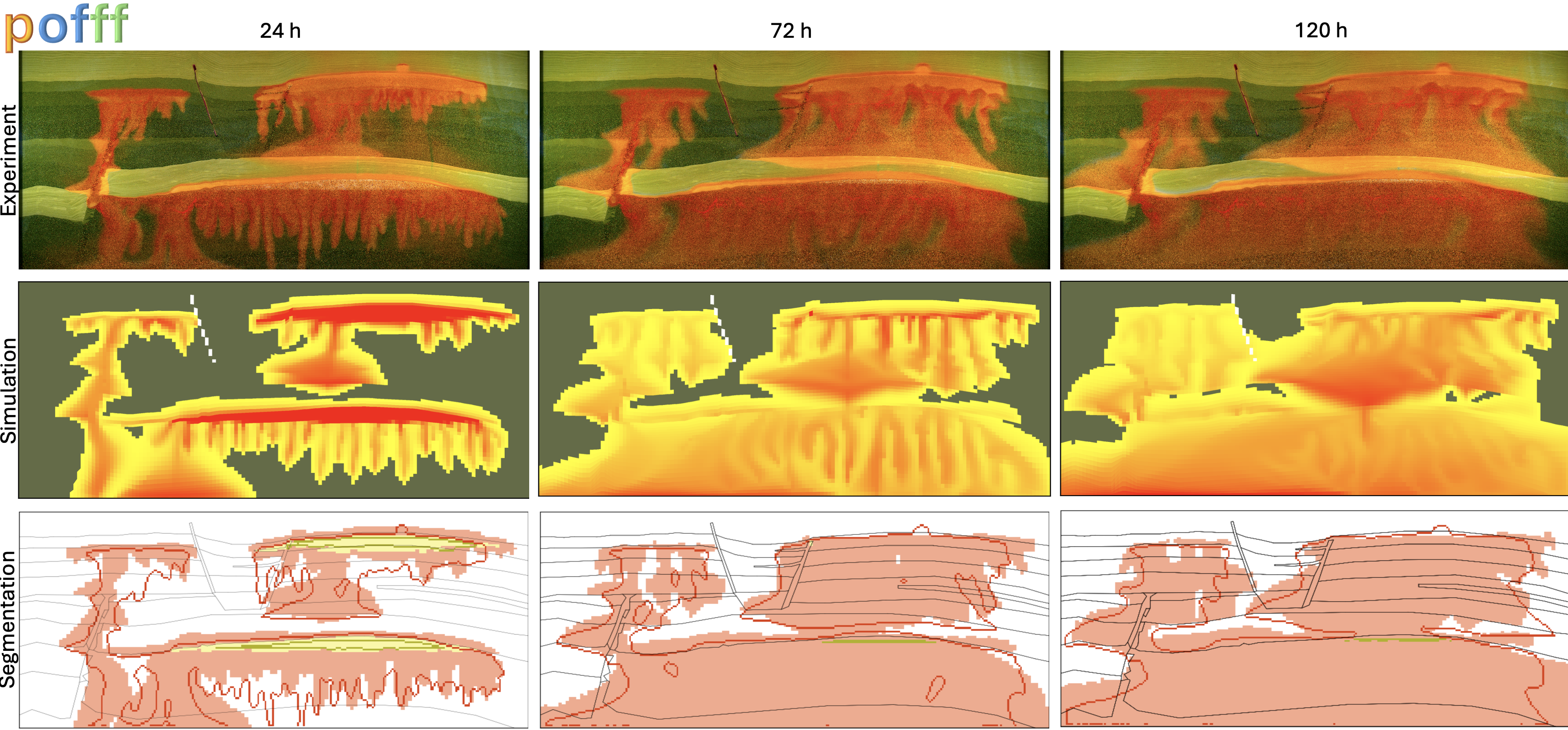
pofff is an open-source, image-based history-matching framework for the FluidFlower benchmark. It uses a configuration file to generate OPM Flow input, run simulations, write benchmark data, compare simulations with experimental observations, and create publication-quality figures.
Core workflows#
Generate Cartesian, tensor, or corner-point FluidFlower grids.
Assign geological facies, thickness maps, source locations, reporting regions, and observation sensors.
Set rock, fluid, saturation-function, diffusion, and injection-schedule properties.
Generate OPM Flow decks without running a simulation.
Run a complete FluidFlower simulation with OPM Flow.
Write sparse time-series and dense spatial data in benchmark format.
Compare simulation results with experimental, forecast, CSIRO, MIT_M1, CSSR, and other published data.
Run ensemble history matching with ERT.
Run differential-evolution optimization with Everest.
Create benchmark maps, time-series comparisons, Wasserstein-distance metrics, error tables, and publication figures.
Postprocess benchmark-format results generated by other simulators.
Basic usage#
Run a FluidFlower simulation and generate benchmark results:
pofff -i examples/single.toml -o output -t 24,48,72
Use Command-line reference for exact option syntax and Examples for additional reproducible workflows.
To add a simulation to the published FluidFlower comparisons, follow the Tutorial.
About the project#
pofff is funded by the Center for Sustainable Subsurface Resources under project number 331841.
The framework was developed to support reproducible simulation, benchmark processing, visualization, and history matching for the FluidFlower benchmark. It integrates OPM Flow with ERT, Everest, FluidFlower experimental data, and open-source visualization tools.
See the pofff paper for the scientific description, benchmark results, history-matching studies, and computational analysis.
Citation#
Landa-Marbán, D., Sandve, T. H., Both, J. W., Nordbotten, J. M., and Gasda, S. E. (2026). Performance of an open-source image-based history matching framework for CO2 storage. Transport in Porous Media, 153, 21. https://doi.org/10.1007/s11242-025-02275-0
Where to continue#
Complete the Installation and verify the Python package, OPM Flow, ERT, Everest, and optional visualization tools.
Use the Configuration reference reference to understand simulation, benchmark, ERT, and Everest TOML variables.
Follow the Tutorial to run a FluidFlower simulation and add its results to the published benchmark comparisons.
Browse Examples for a small first run, external-simulator results, history matching, and visualization with plopm.
Use Reproducing the publication to reproduce the figures, tables, sensitivity studies, profiling results, and accuracy-time analysis from the pofff paper.
Review Output folder to understand the files generated by single-run, ERT, and Everest workflows.
Use Command-line reference for exact CLI syntax, defaults, accepted values, and option compatibility.
Browse pofff Python API for the Python modules, data classes, functions, and internal workflow utilities.
See Contributing to report issues, request features, submit improved configurations, or contribute to pofff.
Explore Related projects for complementary open-source simulation, visualization, and modeling tools.