Output folder#
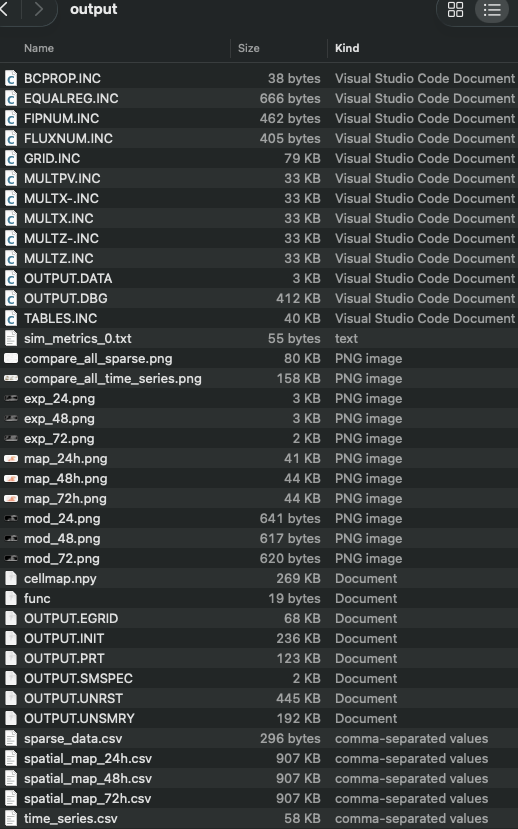
Single run#
The following screenshot shows the generated files in the output folder after executing pofff in the Adding your results subsection in the examples.
Everest#
The following screenshot shows the generated files in the output folder after executing pofff in the everest.toml:
pofff -i everest.toml -o everest -m everest
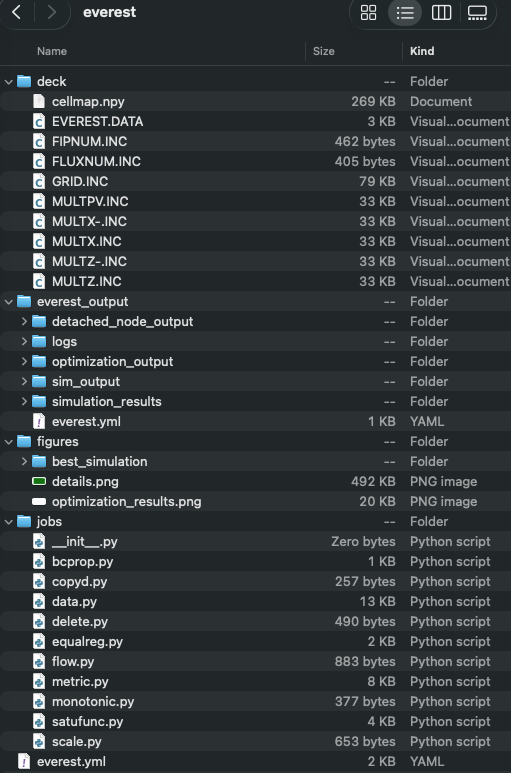
The best_simulation folder contains the closest simulation to the observations, and generates the tables and pngs figures as in the single run folder.
ERT#
The following screenshot shows the generated files in the output folder after executing pofff in the ert.toml:
pofff -i ert.toml -o ert -m ert
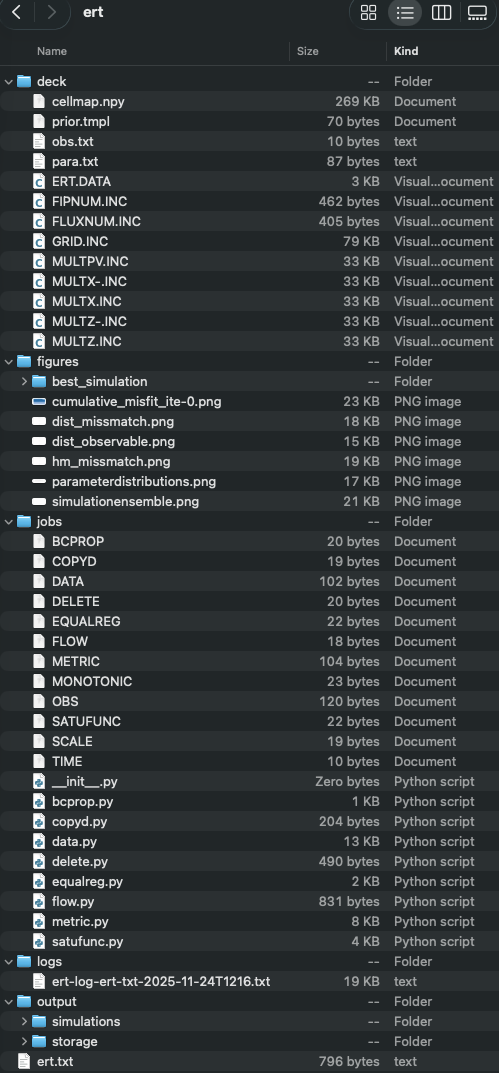
The best_simulation folder contains the closest simulation to the observations, and generates the tables and pngs figures as in the single run folder.
The generated OPM input, ERT and Everest configurations, job scripts, CSV data, and best-simulation files can be inspected and, where appropriate, edited and rerun. Use the commands in Examples to reproduce additional output layouts.