Introduction#
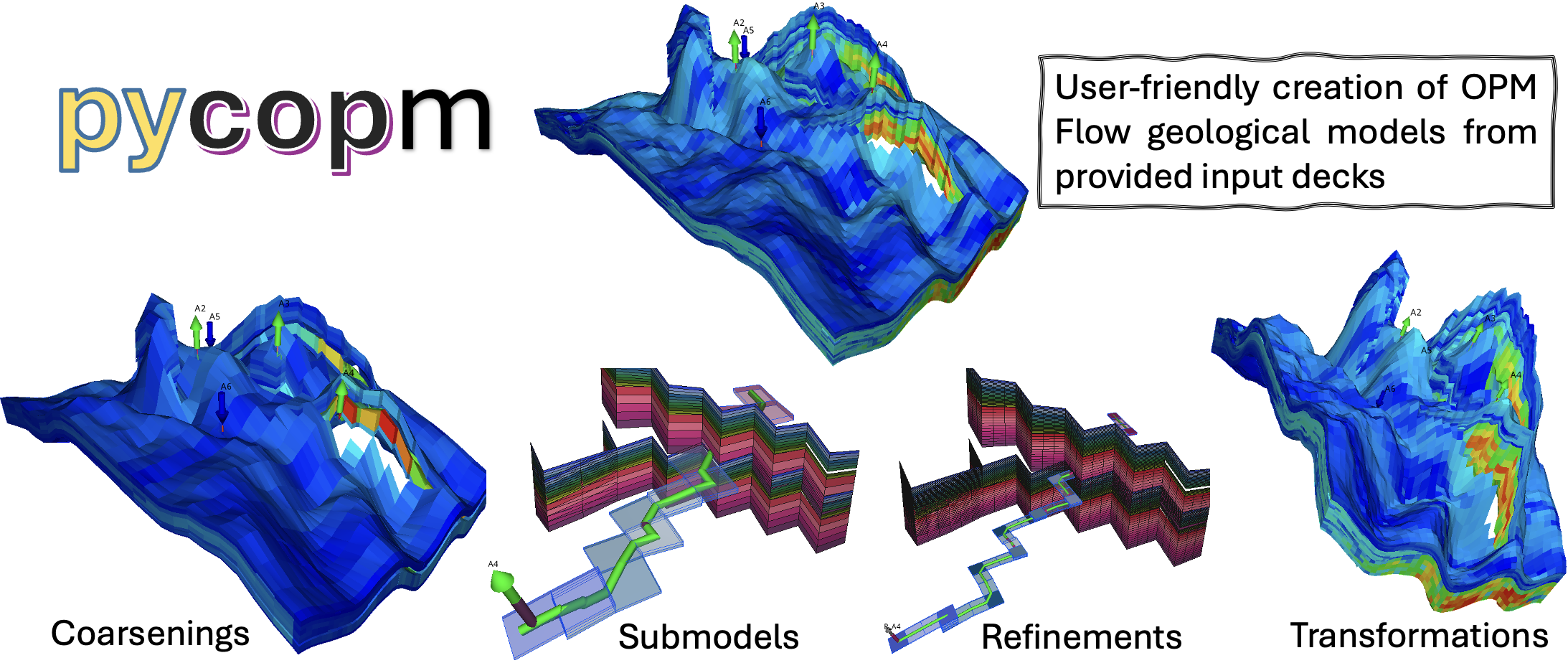
pycopm is an open-source tool for creating tailored OPM Flow geological models from existing simulation decks. It can coarsen and refine grids, extract submodels, and apply geometric transformations while generating the files needed to run the modified model with OPM Flow.
Concept#
The main goal is the user-friendly creation of OPM Flow geological models from provided input decks. The generic deck workflow supports grid refinement, grid coarsening, submodel extraction, and transformations including scaling, rotation, and translation.
The generated decks can be used directly with OPM Flow or adapted for a history-matching or optimization framework such as ERT or PET. This supports applications such as proxy modelling, non-conforming grids, upscaling studies, model comparison, and uncertainty analysis.
Recommended workflow#
Current pycopm development focuses on the generic deck-based workflow.
Provide an OPM Flow .DATA deck and select the required model operation:
pycopm -i MODEL.DATA [OPTIONS]
For example, coarsen the bundled Hello World model and run all processing stages:
pycopm -i examples/decks/HELLO_WORLD.DATA -c 5,5,1 -m all -o output
Use Command-line reference for the complete option descriptions, accepted values, defaults, examples, and compatibility rules. Follow Tutorial for a guided workflow.
Warning
TOML configuration files are a legacy, model-specific workflow retained for existing integrated Norne and Drogon coarsening and ERT studies. New pycopm functionality is developed for generic OPM Flow deck input. Use Legacy TOML configuration only when maintaining one of those legacy studies.
Core workflows#
Grid coarsening: Remove selected pillars and grid lines, aggregate model properties, preserve pore volume, and optionally upscale transmissibilities.
Grid refinement: Add pillars and grid lines globally or in selected intervals while mapping grid-dependent properties and deck keywords.
Submodel extraction: Select a region by property values, an xy polygon, or a well-centred box, diamond, or xy-diamond neighbourhood.
Geometric transformations: Translate, scale, or rotate grid coordinates.
Simulation-ready output: Write a modified OPM Flow deck and supporting include files for direct simulation or use in another workflow.
Legacy integrated studies: Generate coarsened Norne or Drogon projects and optionally run OPM Flow or ERT from a TOML configuration.
Project evolution#
The initial development of pycopm focused on two public models from opm-tests: Norne and Drogon. Coarsened versions of these models were used in history-matching studies with ERT through a configuration file.
The current generic workflow removes the need to prepare model-specific templates. It creates modified models directly from OPM Flow input decks, which makes pycopm applicable to a broader range of geological models and workflows.
About the project#
pycopm is developed within the Center for Sustainable Subsurface Resources (CSSR, project number 331841) and has also been funded by Expansion of Resources for CO2 Storage on the Horda Platform (ExpReCCS, project number 336294).
The source code, issue tracker, and development history are available in the pycopm GitHub repository. Contributions are welcome through the fork and pull-request workflow. Request new features or report problems through the repository issue tracker.
Citation#
If pycopm contributes to published work, cite the project paper:
Landa-Marbán, D. 2026. pycopm: An open-source tool to tailor OPM Flow geological models. Journal of Open Source Software, 11(125), 10124, https://doi.org/10.21105/joss.10124
Where to continue#
Complete Installation and verify both pycopm and OPM Flow.
Follow the Hello World tutorial to coarsen, extract, refine, transform, run, and visualize a small model.
Use Command-line reference for exact flag syntax, accepted values, defaults, and compatibility rules.
Read Theory and methods for the complete coarsening, refinement, submodel, and transformation methods.
Browse Examples for Smeaheia, Drogon, Norne, SPE10, dual coarsening, and reproducible visualization commands.
Review Output folder to understand generated decks, include files, simulation results, and legacy ERT projects.
Consult Legacy TOML configuration for retained Norne and Drogon TOML studies.
Browse Python API for the Python modules, classes, and functions.
See Contributing to contribute code, run checks, report issues, or seek support.
Explore Related projects for complementary open-source subsurface tools.