
Hello world#
In this example we consider the configuration file h2o.toml available in the examples folder, where the co2store model is used and only water is injected in a radial grid.
If the generated files are to be saved in a folder called 'hello_world', then this is achieved by the following command:
pyopmnearwell -i h2o.toml -o hello_world
To visualize the results, this can be achieved by using plopm, for example:
plopm -i hello_world/output/H2O -v pressure -s ,,1 -t 'Top view at the end of the simulation' -c bwr -xf .0f -cbf .0f
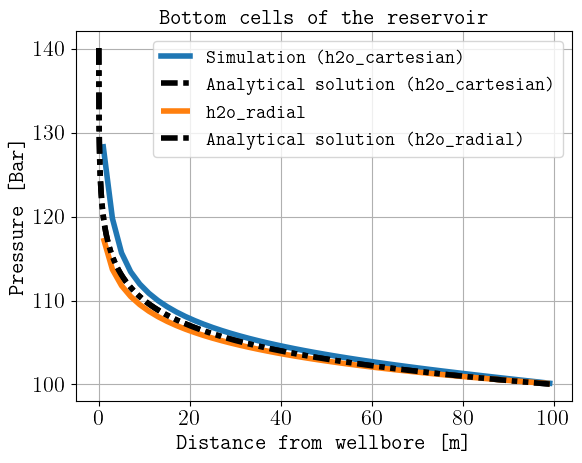
Both the pyopmnearwell and plopm commands can be run with the maintained documentation script:
. ./tests/scripts/docs_hello_world.sh