
Slice the three-dimensional model#
Use i,j,k selections to inspect SPE11C from different directions.
Commands#
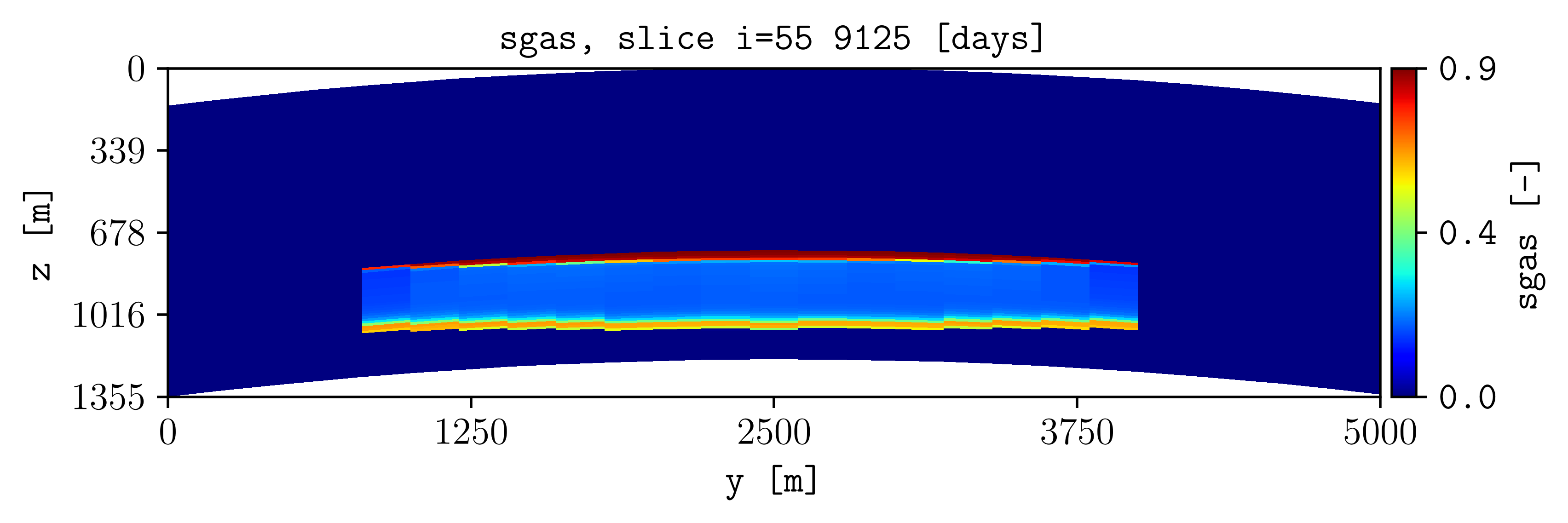
plopm -i examples/SPE11C -v sgas -s 55,, -r 2
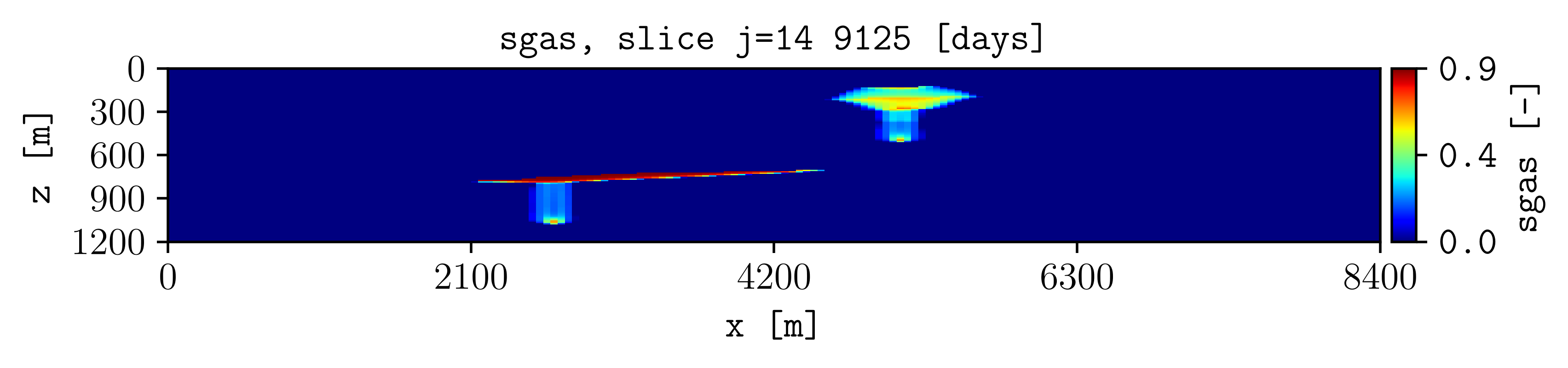
plopm -i examples/SPE11C -v sgas -s ,14, -r 2
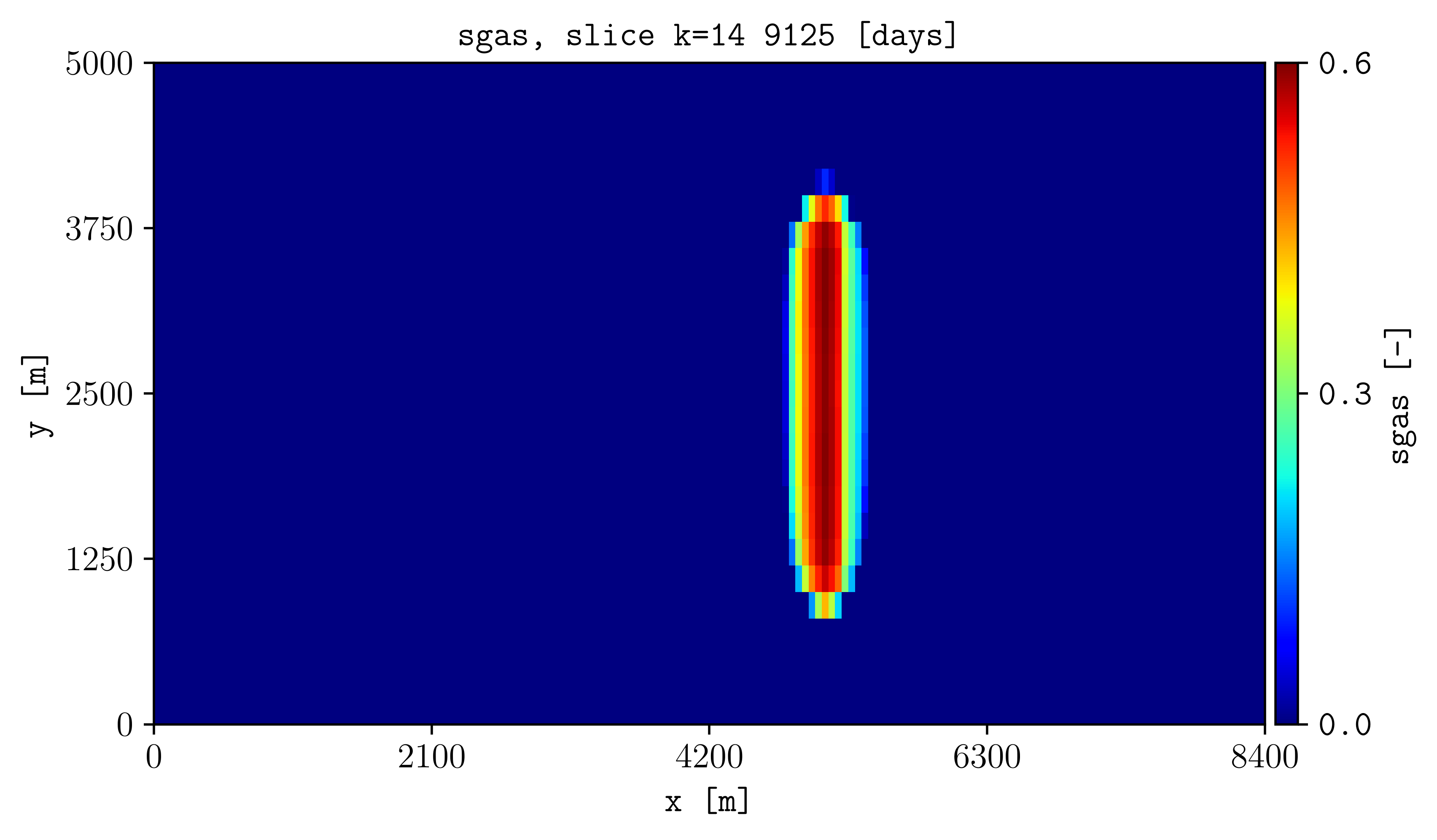
plopm -i examples/SPE11C -v sgas -s ,,14 -r 2
Result#
How it works#
The three positions in plopm -s select the i, j, and k
indices. Leave two positions empty to select a plane at the specified index.
Try this#
Select layers 5 through 10:
plopm -i examples/SPE11C -v sgas -s 1:170,, -r 2 -cformat .2f
Use 103,:,50 for a line or 55,6,100 for one cell over time.
Next#
Continue with Project and average quantities. See Spatial and temporal selection for every selection form.