
Select variables and restart steps#
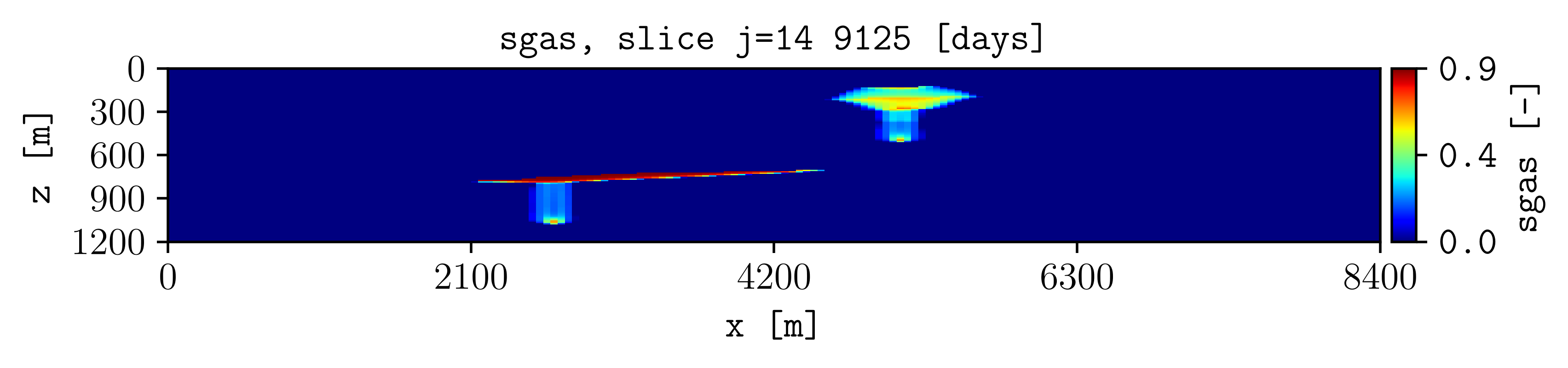
Plot a dynamic quantity at a selected simulation step.
Command#
plopm -i examples/SPE11C -v sgas -s ,14, -r 2
Result#
How it works#
plopm -vSelects a static property, dynamic quantity, special variable, or expression.
plopm -rSelects restart step 2. Use comma-separated values or
start:end[:step]to select several steps.
Static properties do not change with restart step. Dynamic quantities such as pressure and saturation normally do.
Try this#
Print the available variables with plopm -lv:
plopm -i examples/SPE11C -lv 1
Next#
Continue with Slice the three-dimensional model. See Input and data selection for the complete input and variable options.