Ctrl+K
pymm  documentation - Home pymm  documentation - Home
  • Introduction
  • Installation
  • Configuration reference
  • Tutorial
  • Examples
  • Command-line reference
    • Output folder
    • pymm Python API
    • Contributing
    • Related projects
  • GitHub
  • Report an issue
  • Introduction
  • Installation
  • Configuration reference
  • Tutorial
  • Examples
  • Command-line reference
  • Output folder
  • pymm Python API
  • Contributing
  • Related projects
  • GitHub
  • Report an issue

Section Navigation

  • 1. Generate the first mesh
  • 2. Run the flow simulation
  • 3. Run tracer transport
  • 4. Inspect the results
  • 5. Modify the physical model and grid
  • 6. Run the complete workflow
  • Tutorial

Tutorial#

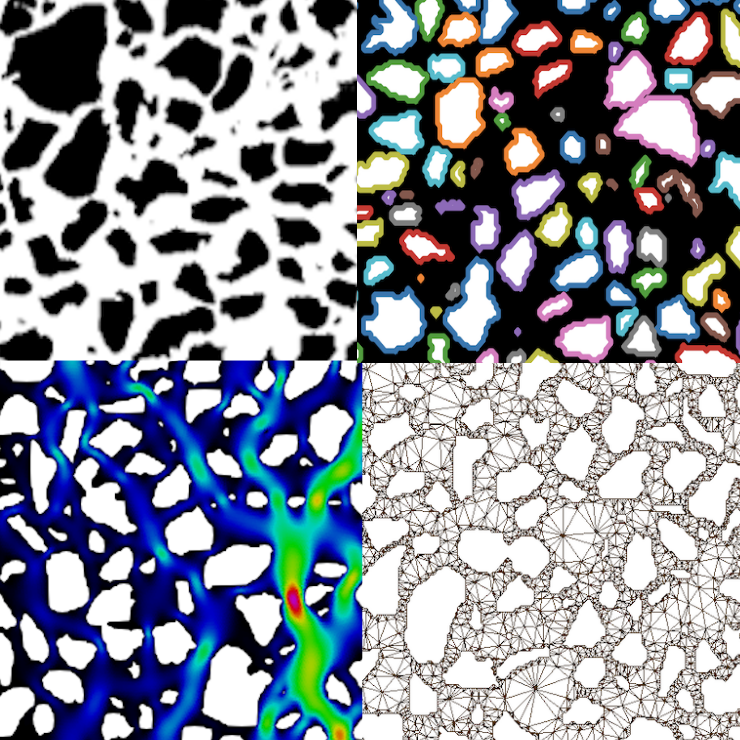
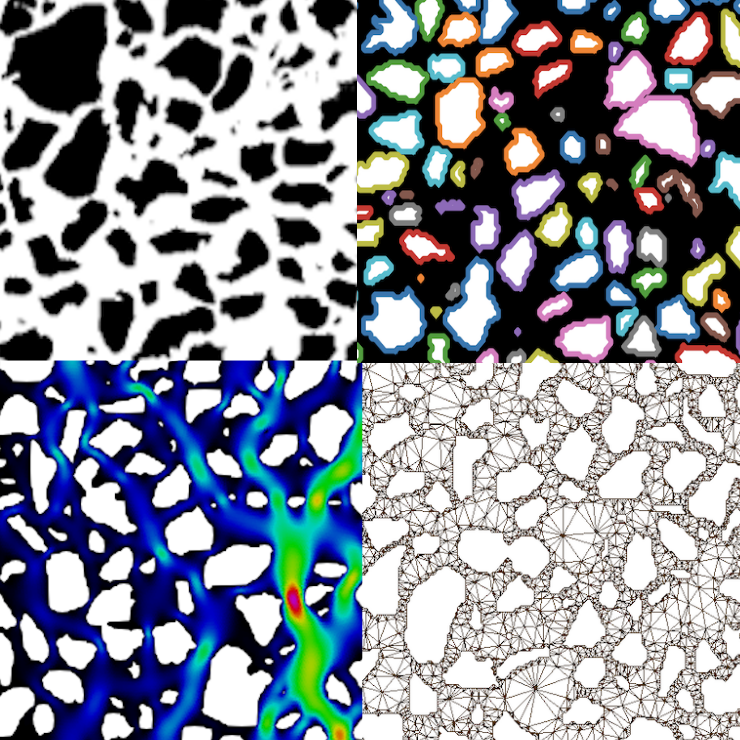
pymm logo

This tutorial uses examples/microsystem.png and examples/parameters.toml throughout.

  • 1. Generate the first mesh
  • 2. Run the flow simulation
  • 3. Run tracer transport
  • 4. Inspect the results
  • 5. Modify the physical model and grid
  • 6. Run the complete workflow

previous

Complete TOML example

next

1. Generate the first mesh

Edit on GitHub
Show Source

© Copyright 2022-2026, NORCE Research AS.

Built with the PyData Sphinx Theme 0.21.0.