1. Generate the first mesh#
Goal#
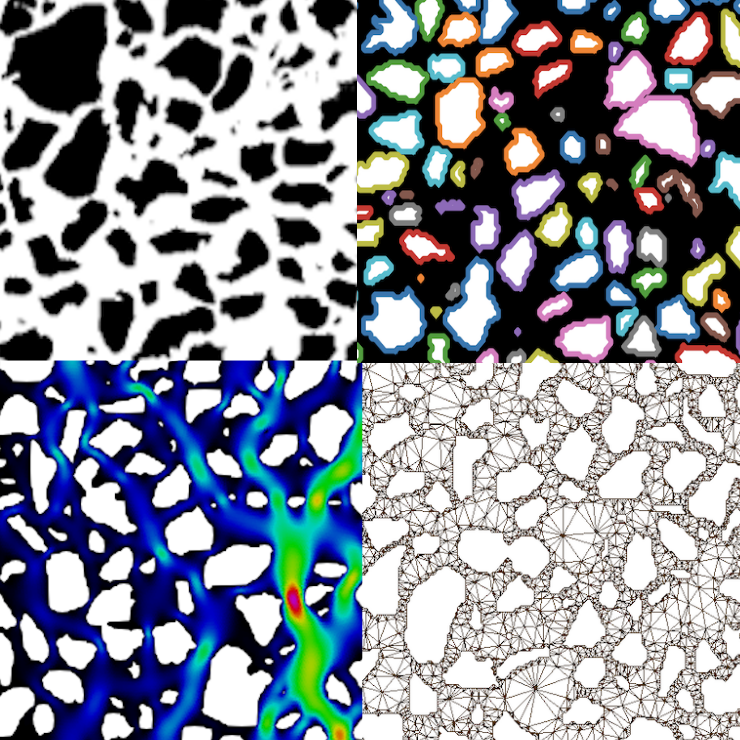
Generate segmentation figures, mesh.geo, and mesh.msh.
Configuration#
Use the example parameters.toml and microsystem.png files.
Command#
pymm -i microsystem.png -p parameters.toml -t mesh
How it works#
The input image is segmented, external and interior contours are approximated, the Gmsh template is rendered, and Gmsh creates the three-dimensional mesh.
Result#
The output folder contains four diagnostic PNG files plus mesh.geo and
mesh.msh.
The generated files are written under:
output/
├── binary_image.png
└── extracted_border.png
└── interior_grains_border.png
└── interior_grains.png
└── mesh.geo
└── mesh.msh
Next#
Continue with 2. Run the flow simulation.