Legacy configuration workflows#
Warning
This page describes the retained, model-specific Norne and Drogon TOML workflow. It is not the recommended starting point for new pycopm applications.
The examples folder contains configuration files to perform HM studies in drogon and norne using ERT. For example, by executing inside the example folder for drogon:
# From inside the main pycopm folder
cd examples/configurations/drogon
pycopm -i input.toml -o drogon_coarser
The following are the drogon model from opm-tests and coarsened model generated using pycopm using ResInsight for the visualization:
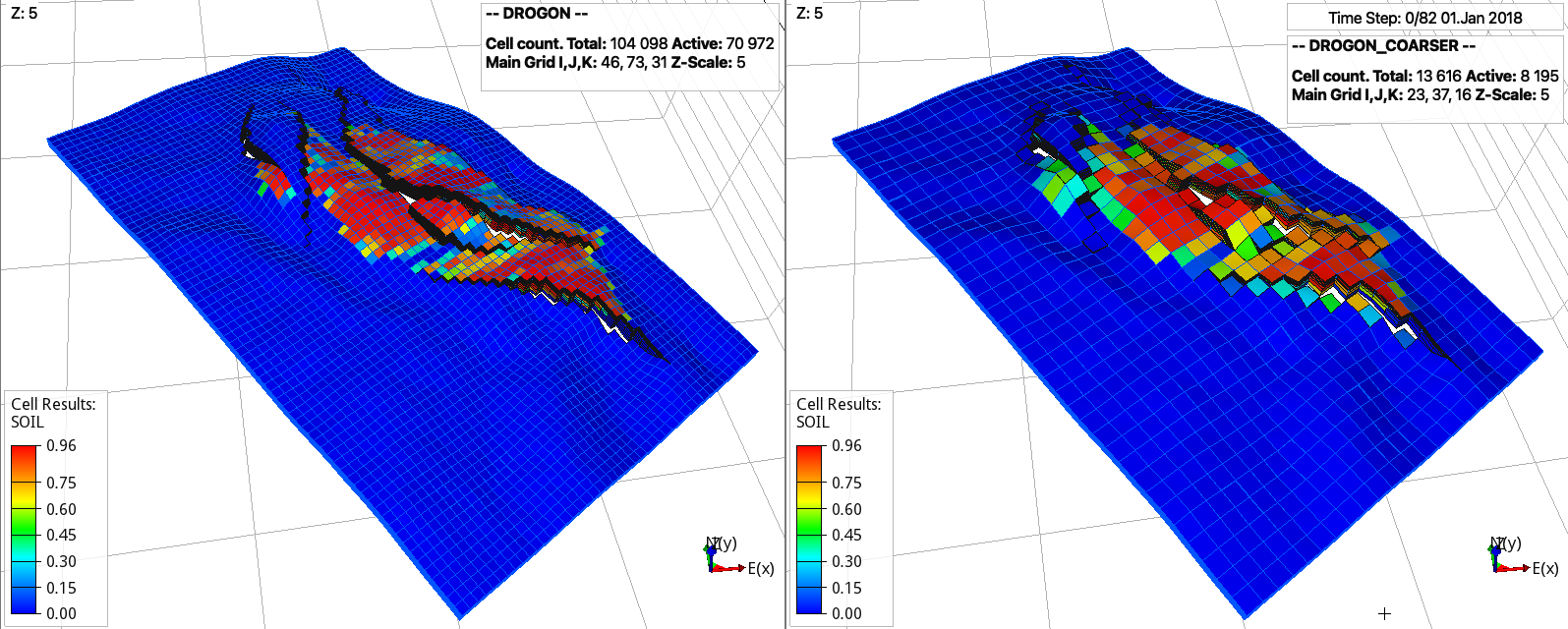
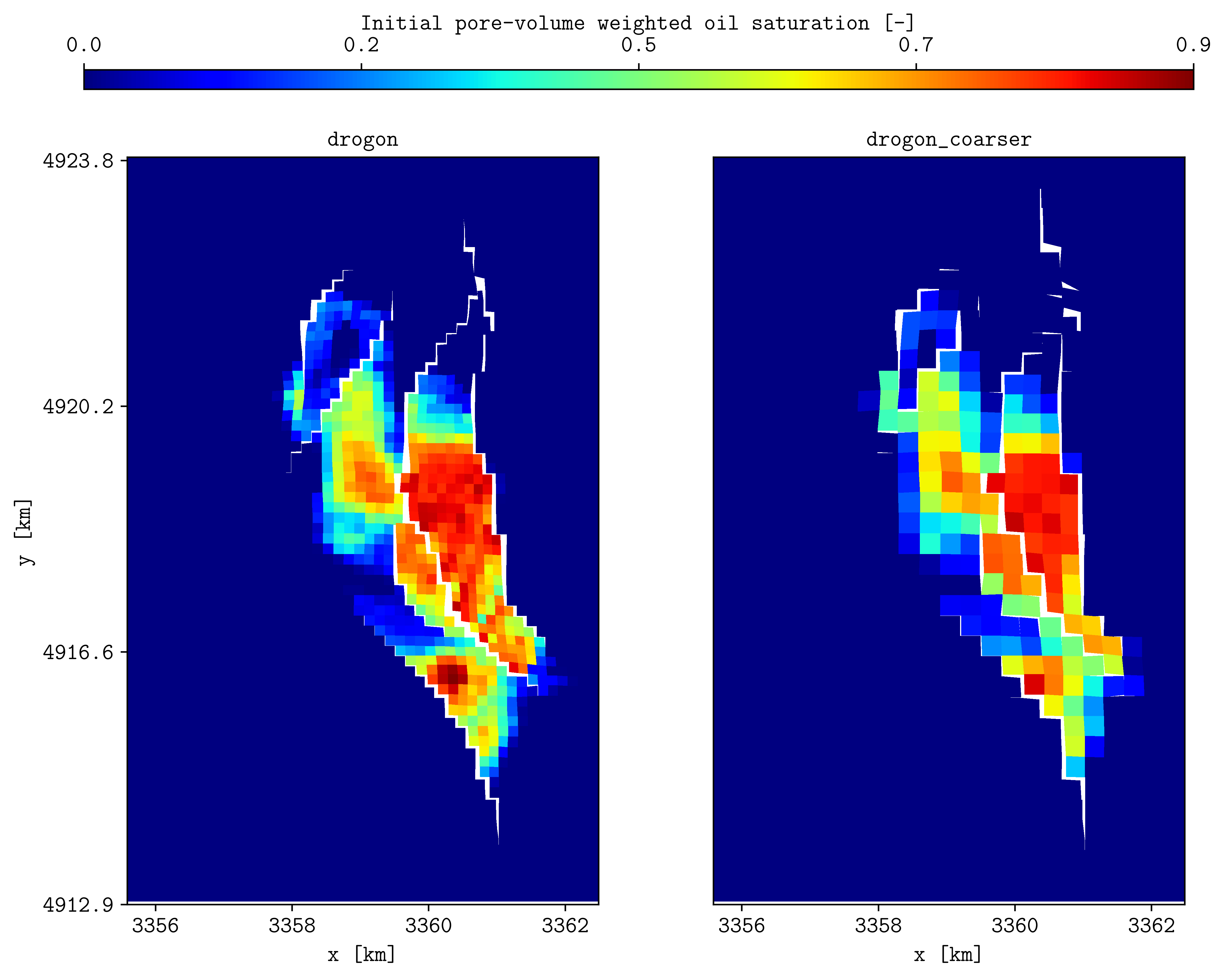
Initial oil saturation from the input (left) and coarsened (right) models (top figures using ResInsight and bottom figures using plopm, see/run docs_via_config_drogon.sh).#
Note
For Drogon, a scored is printed after the run to compared the error to the results available at https://webviz-subsurface-example.azurewebsites.net/history-match. While input.toml only runs one HM iteration with two ensemble members that is used in testing pycopm, hm.toml runs a history matching with a better score (i.e., less error compare to the observation data). This configuration file is also an example of how to use mpi to run Flow built from source (set the flow path to your flow location; if you do not have mpi, you can remove it and still run the example).